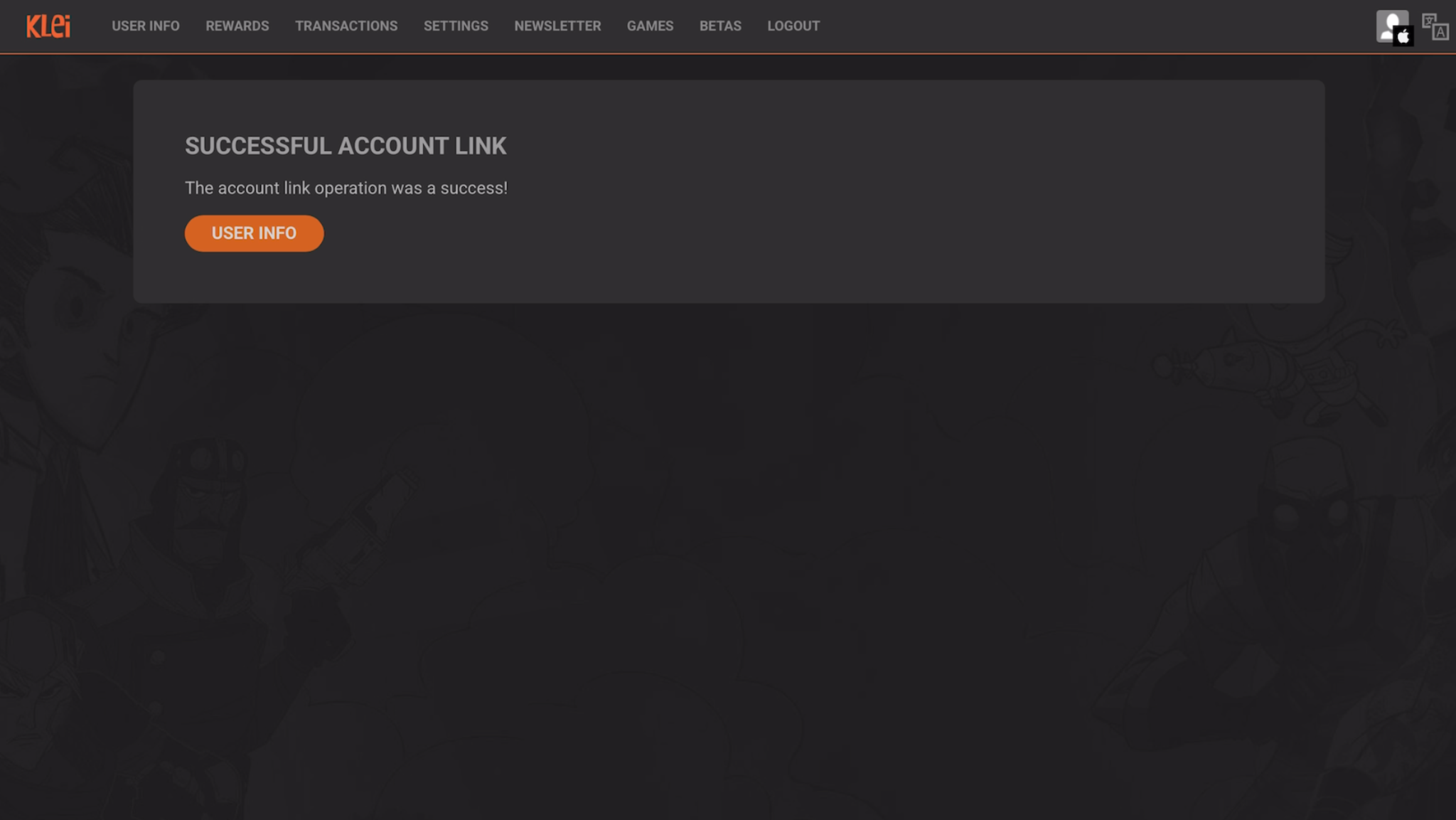
Here is how to link your Klei Accounts for Shared Unlocks on mobile. This tutorial is shown with a Steam account, but it works the same with an Xbox or PS5 account for example.
Please note that you need to use the same email address for your iOS/Android account and your Steam/Console account. Your email also must be verified for your Klei account here.
Step 1
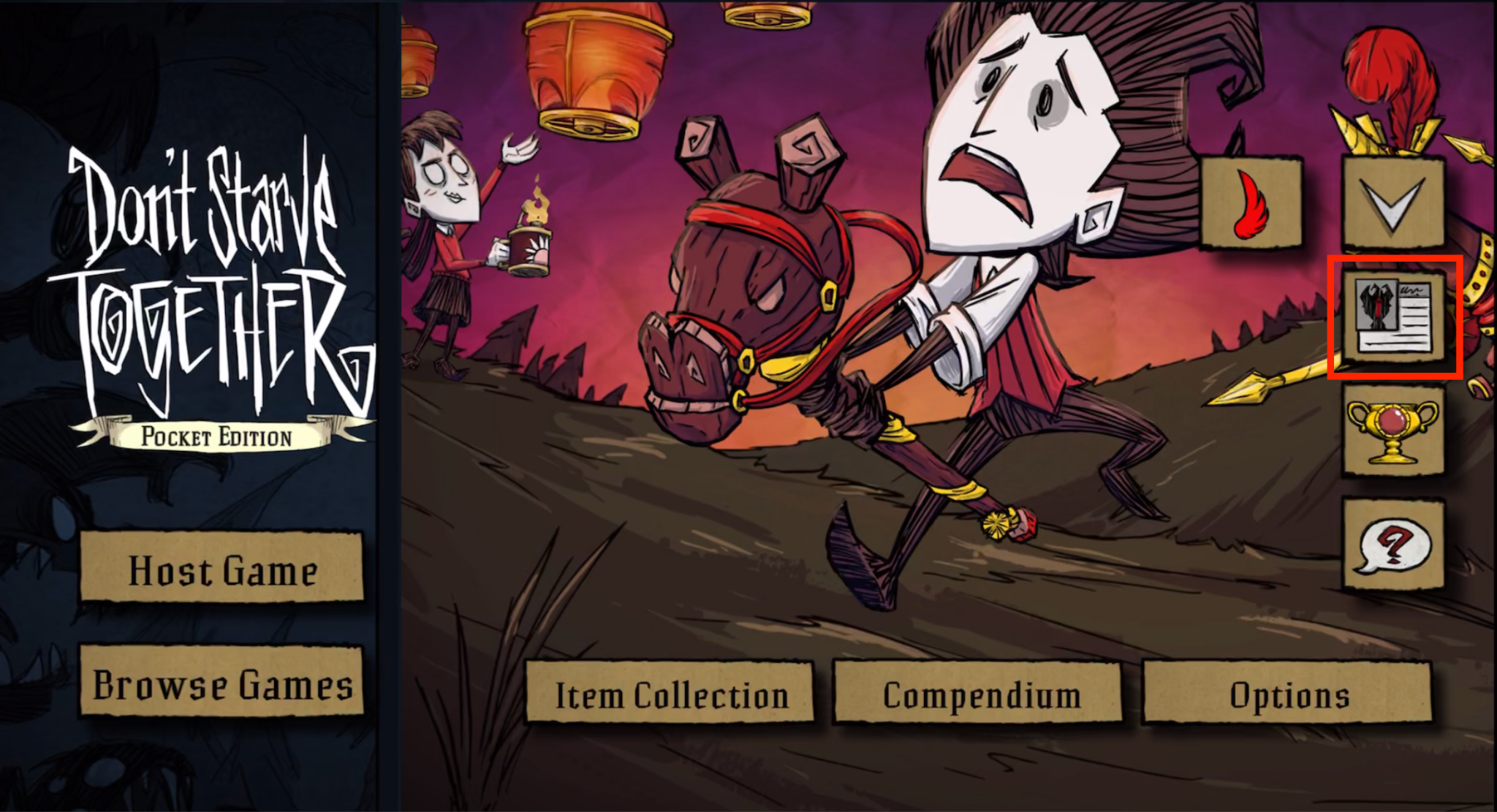
Click on the account icon
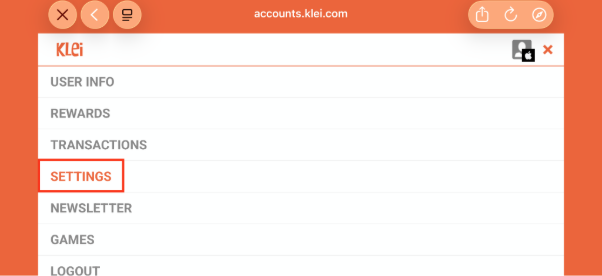
Step 2
Click on ‘Settings’
Step 3
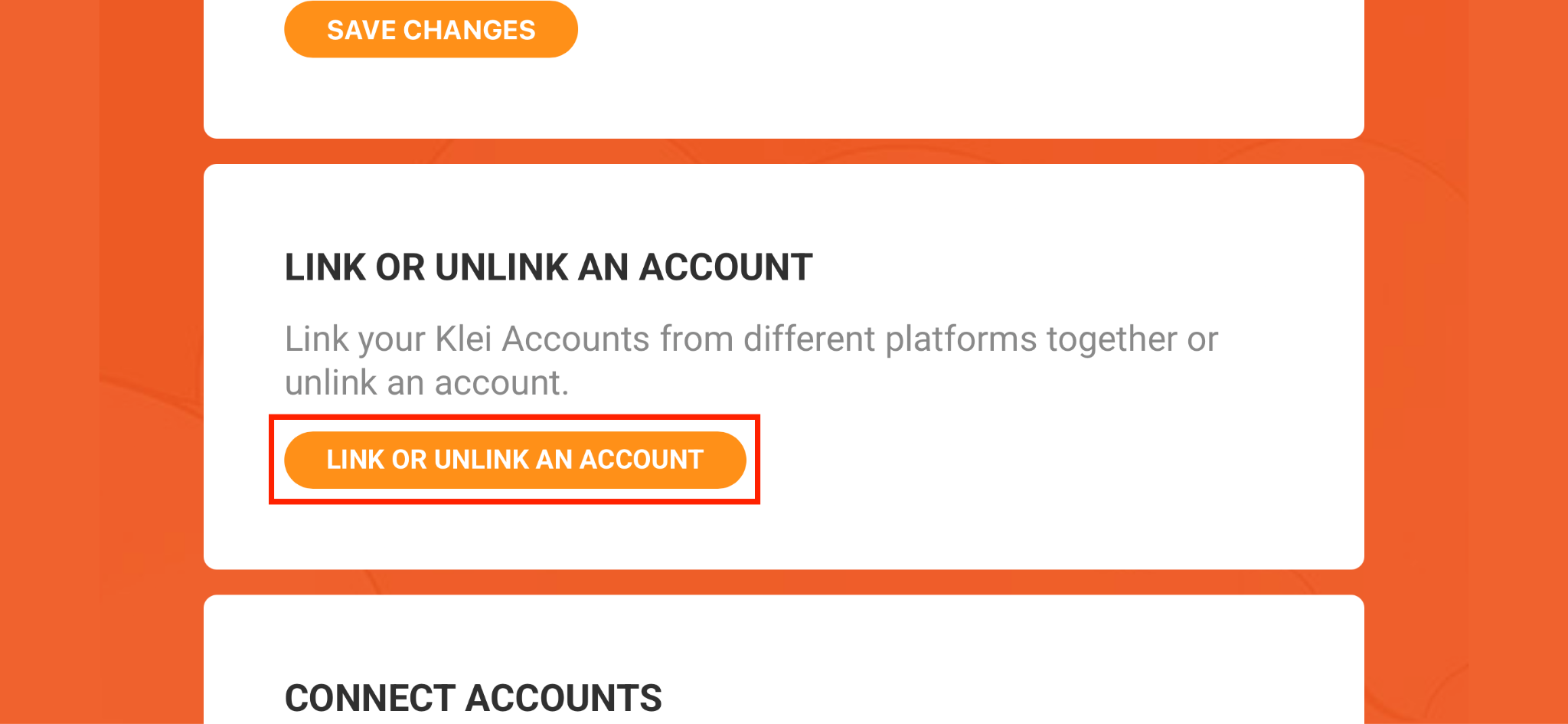
Scroll down, click on ‘Link or unlink an account’
Step 4
Link your Steam account
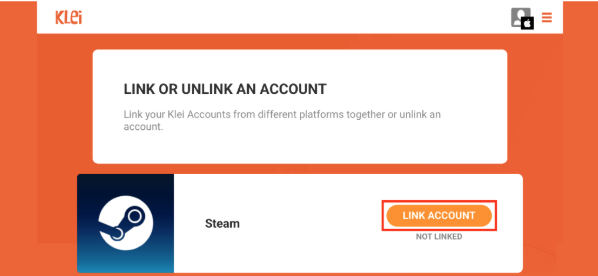
Step 5
Click on ‘Continue’. It will open a webview.
If you have the Steam app installed on your phone, you might have to delete it before doing this step, because your phone will open the app instead of the webview, and you won't be able to link your account.
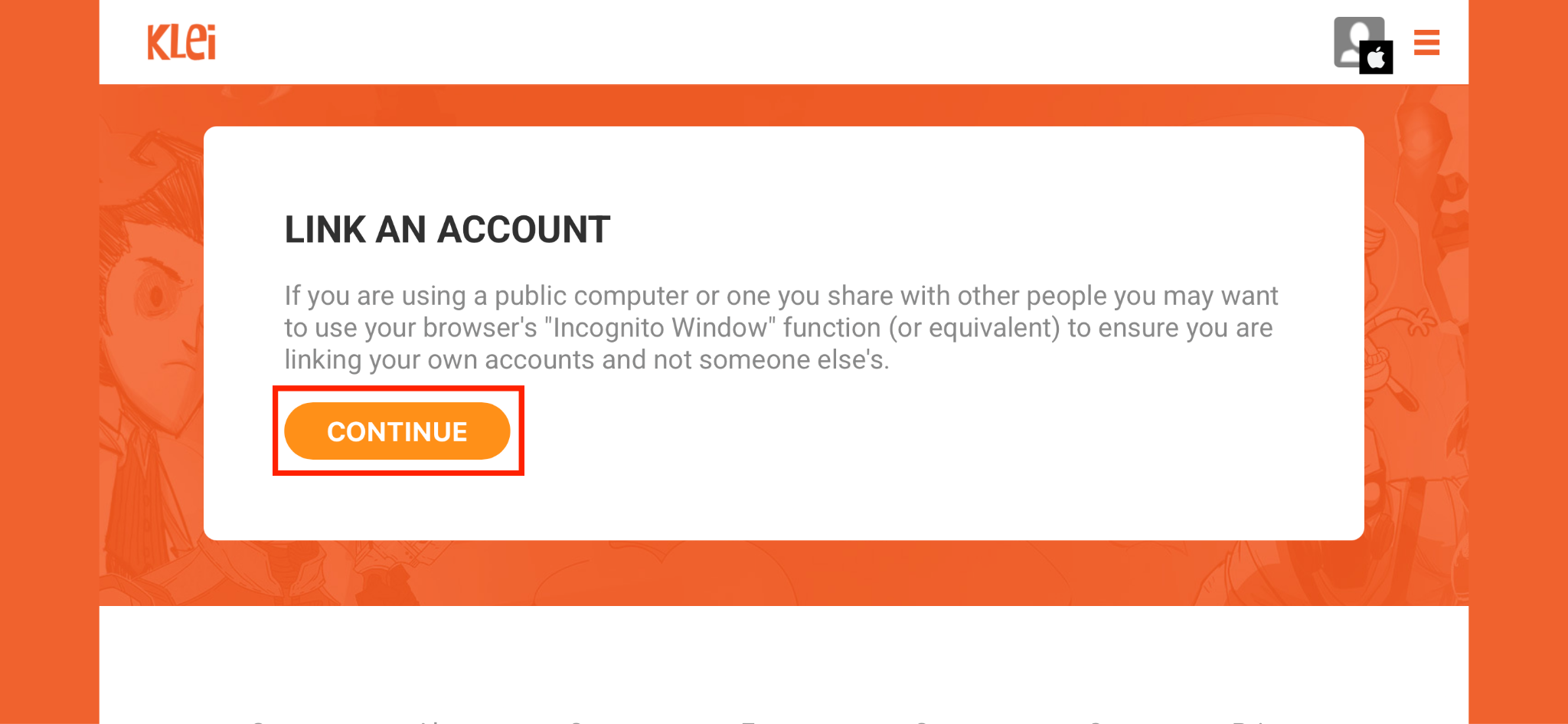
Step 6
Click on ‘Link Account’
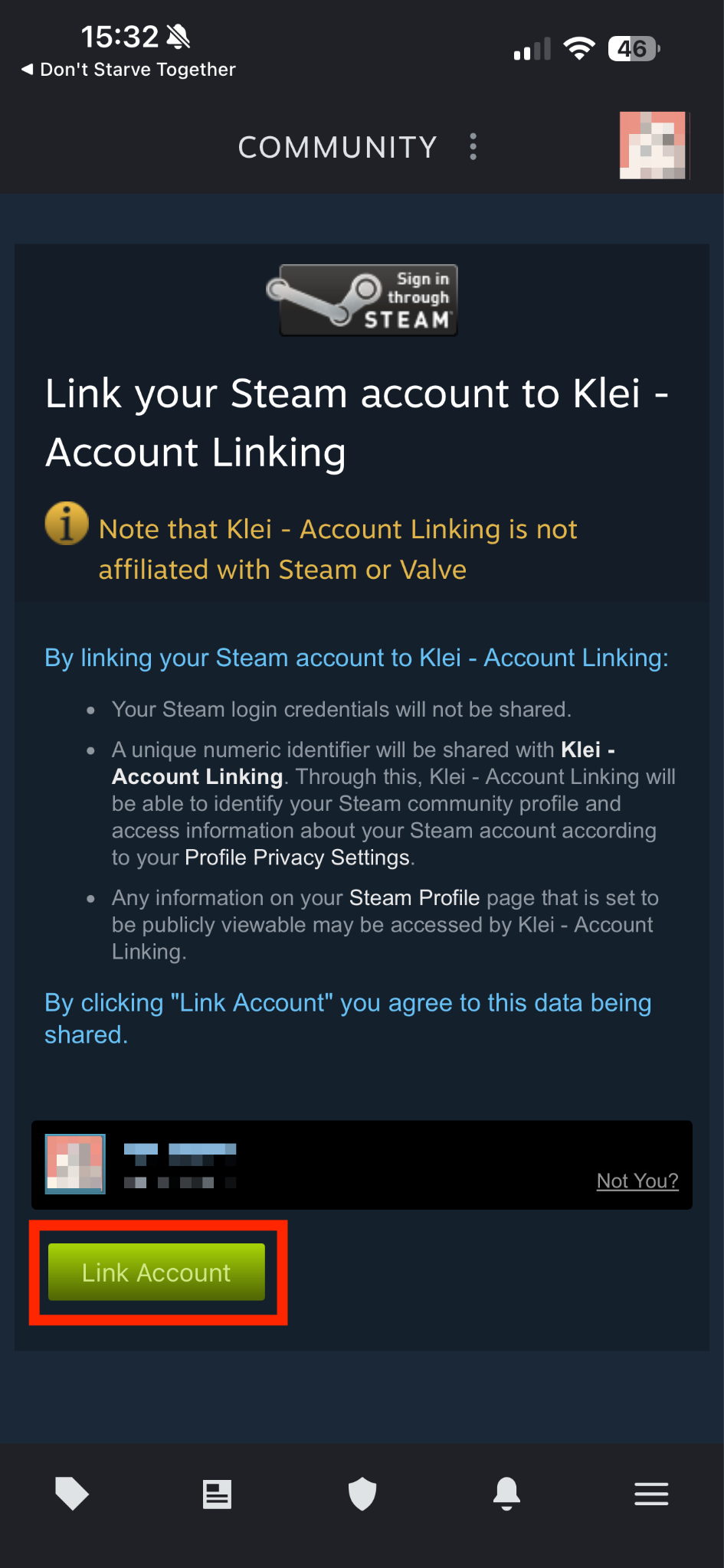
Step 7
Scroll down and type ‘LINK ACCOUNTS’, in uppercase.
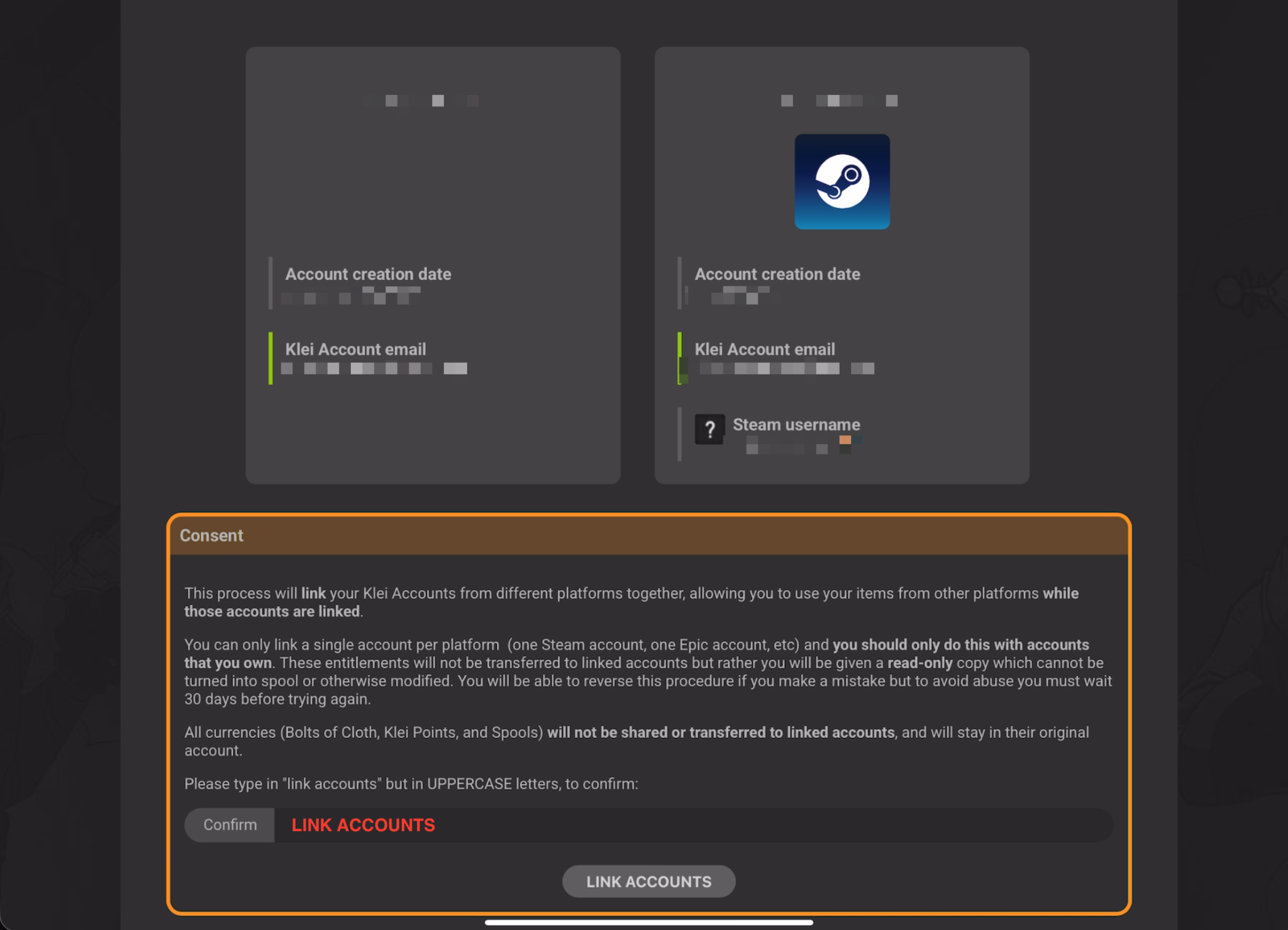
Step 8
Your Steam account is linked, you can now access your previous unlocks!