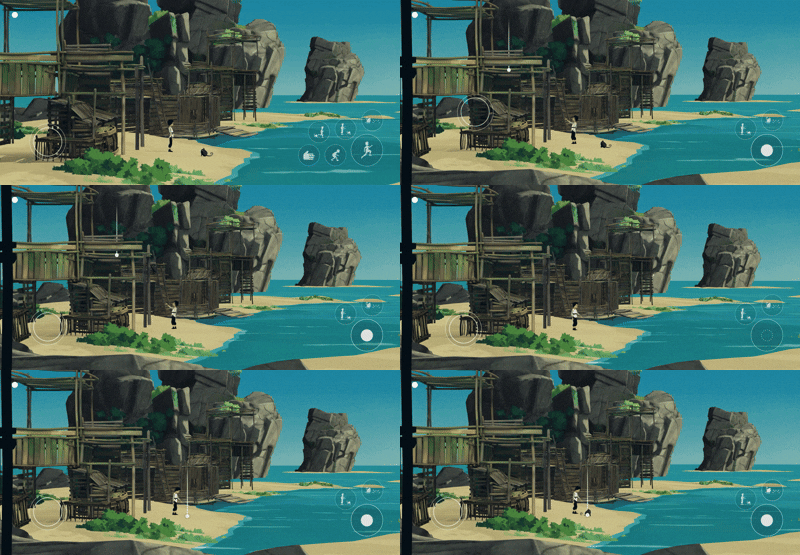
No, you can't change the size or position of the controls, but you can choose between two modes in Settings > Controls: immersive or standard.
You can see more about it here:
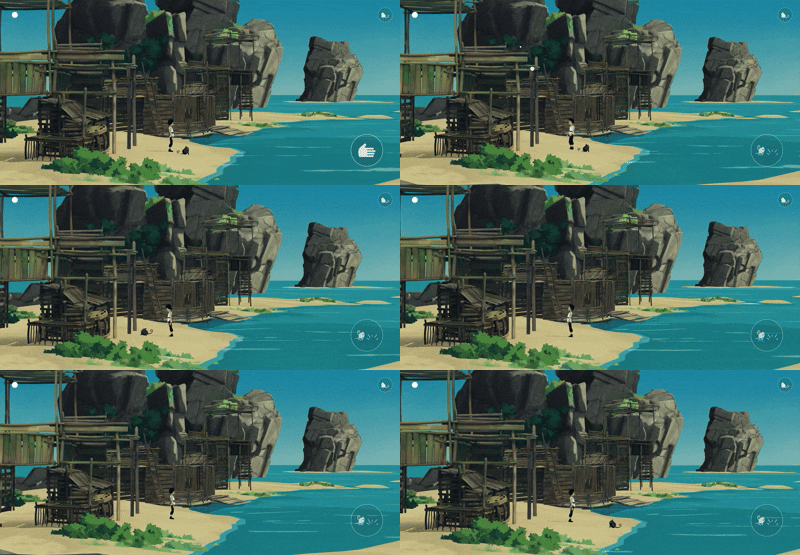
Immersive mode
- The joystick is invisible
- Swipe up on the right part of the screen to jump
- Swipe down on the right part of the screen to crouch
- Double click on the right part of the screen to call Mui or tell her to stay put
- Click on the "hand" icon to interact with an object or pet Mui
- Click on the "Mui" icon (top right of the screen) to control Mui. Move your finger on the left part of the screen to indicate to Mui where she have to go.
Standard mode
- The joystick is visible and floatting, it is not possible to have a fixed joystick
- You have a button for each action: jump, crouch, interact with an object, control Mui, etc.
- Move your joystick to indicate to Mui where she have to go, then click on the white circle icon to confirm. If the circle is not plain, it means that you cannot place Mui there.